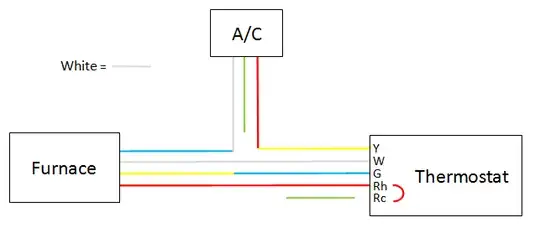
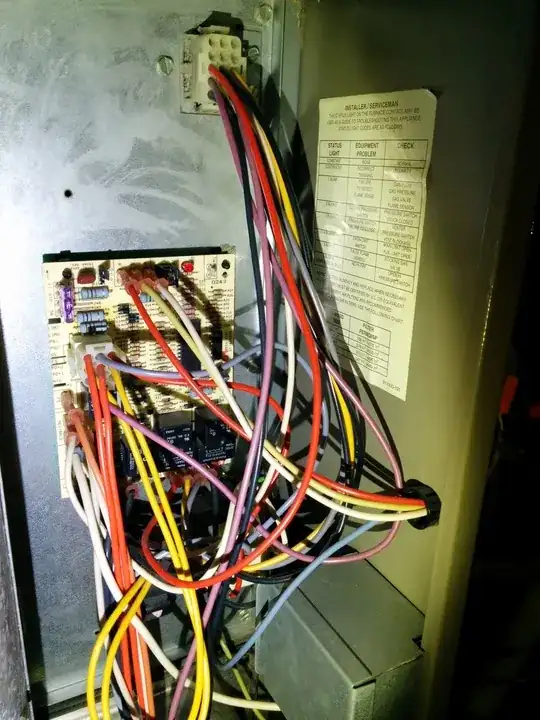
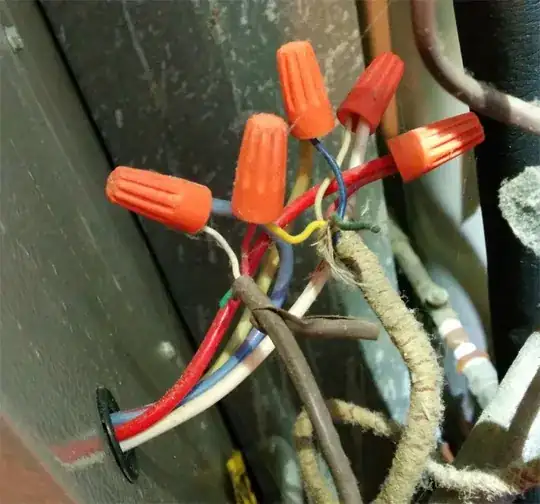
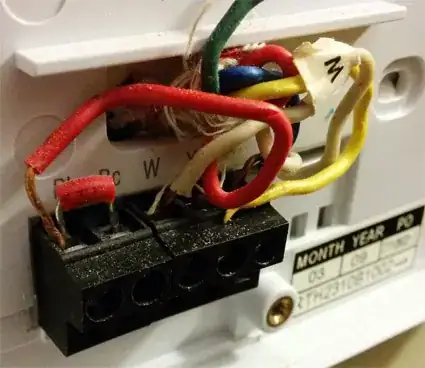
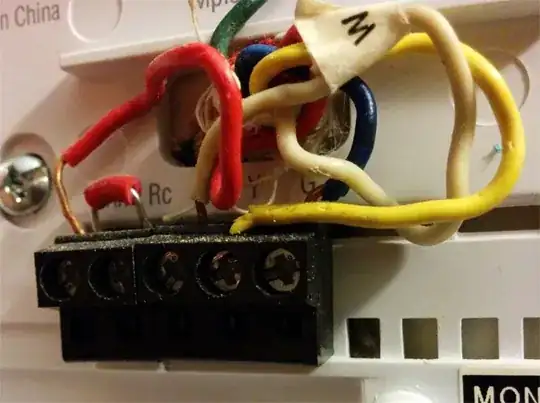
The C-wire substitution requires you to use the G-wire. When using the G-wire as a common you have to change it to C at the thermostat, and then to a common in the bottom panel of the unit. In your situation, your specific unit uses an older style control board made by White Rogers. This early revision of the board did not have a terminal bus on the board the thermostat, air conditioning, and fan speed 24v connections. Wires were used instead if a terminal bus, and only has 4 connections (your W, G, R, Y wires). To have your new thermostat work, you will need to remove the thermostat wire at the unit. Then you must either ground it to an exterior panel of the unit, or using spade, attach it to one of the open neutral buses on the control board. After doing this and adding the G-wire on C at the thermostat, it will work fine.
Now that the thermostat is working, you have lost the ability to control the fan. A little trick if you want to retain a way to control the fan without having to run a new 5-wire is to get a piece of 18/2 wire and run it into the control panel of the unit. Attach one wire to R and one wire to G. Attach a switch box to the side of the unit and run the wire into it. Connect the 2 wire to any light switch and mount it into the switch box. Throw your switch cover plate over it, and you have yourself a home made, manual fan switch that you can activate by going to the unit.
For Reference: